Mobile app
PulseWatch on your phone.
The Who Is mobile app brings the people and organisations behind your monitors to Android. Built for quick checks, anywhere you are.
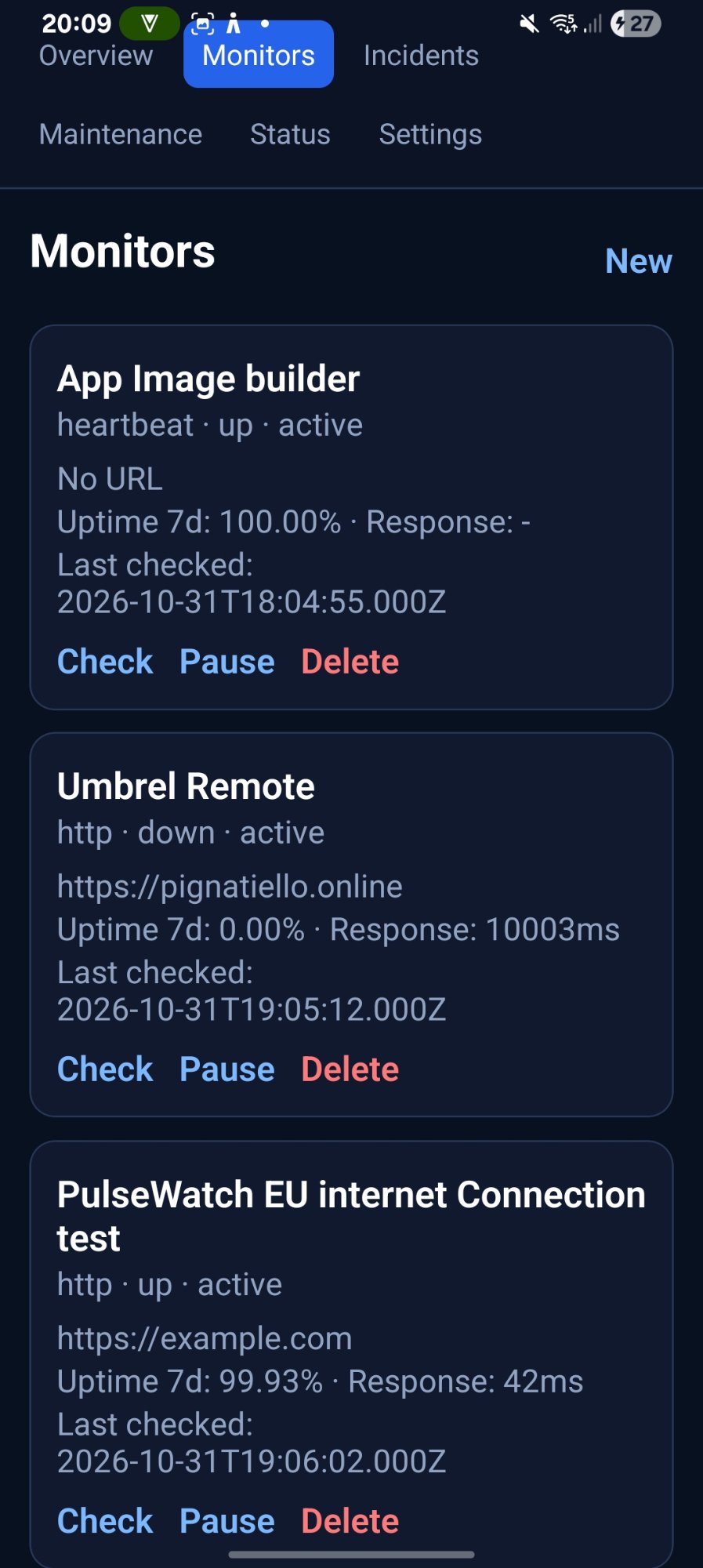
APK install: enable "Install unknown apps" for your browser, then run the downloaded file.
// inside
What you get.
Three things, done well.
Who
People and orgs
See who owns each monitor, who is on call, and which organisation runs what.
Fast
Quick checks
Open the app and know the state before you scroll. No digging through menus.
Portable
Take it with you
Catch downtime from your phone with the same data you trust on desktop.
// screenshots
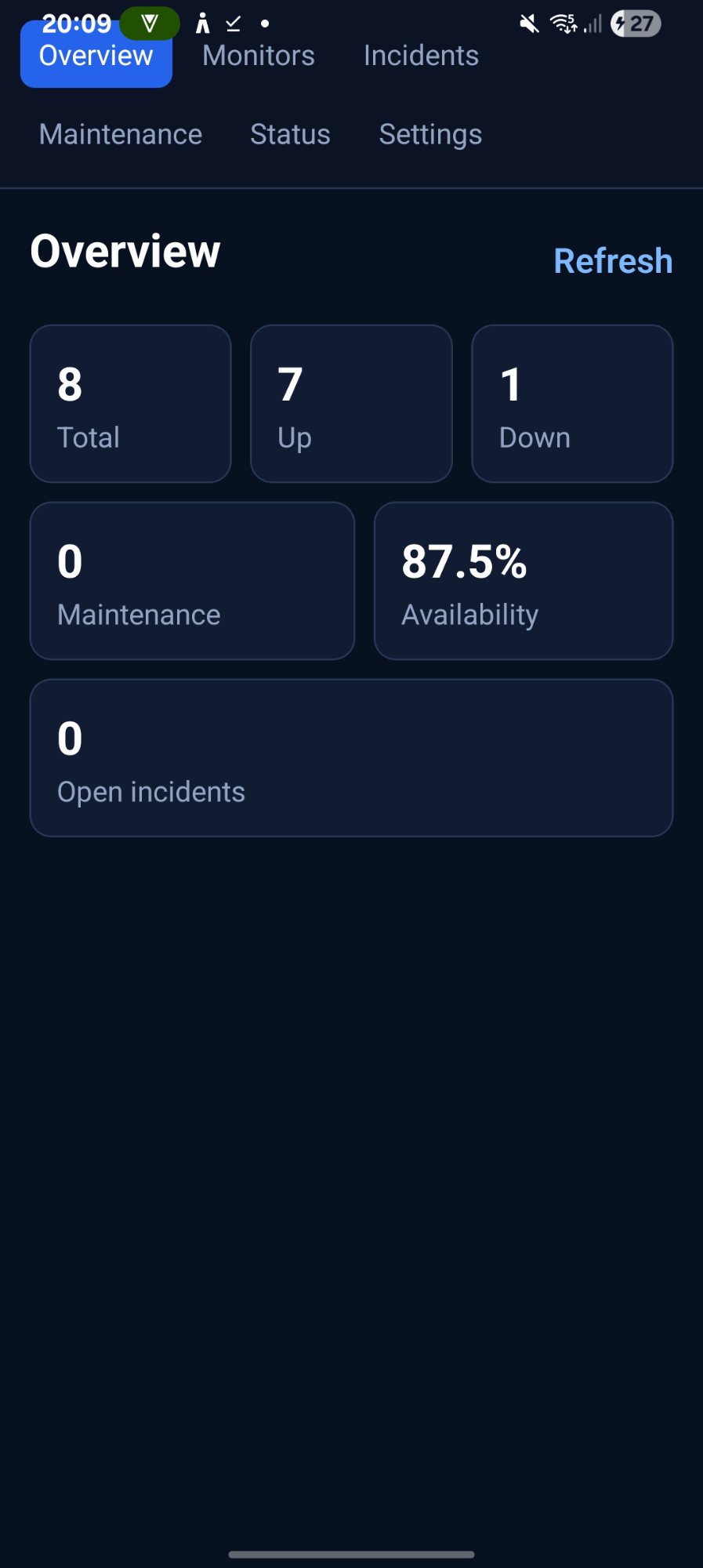
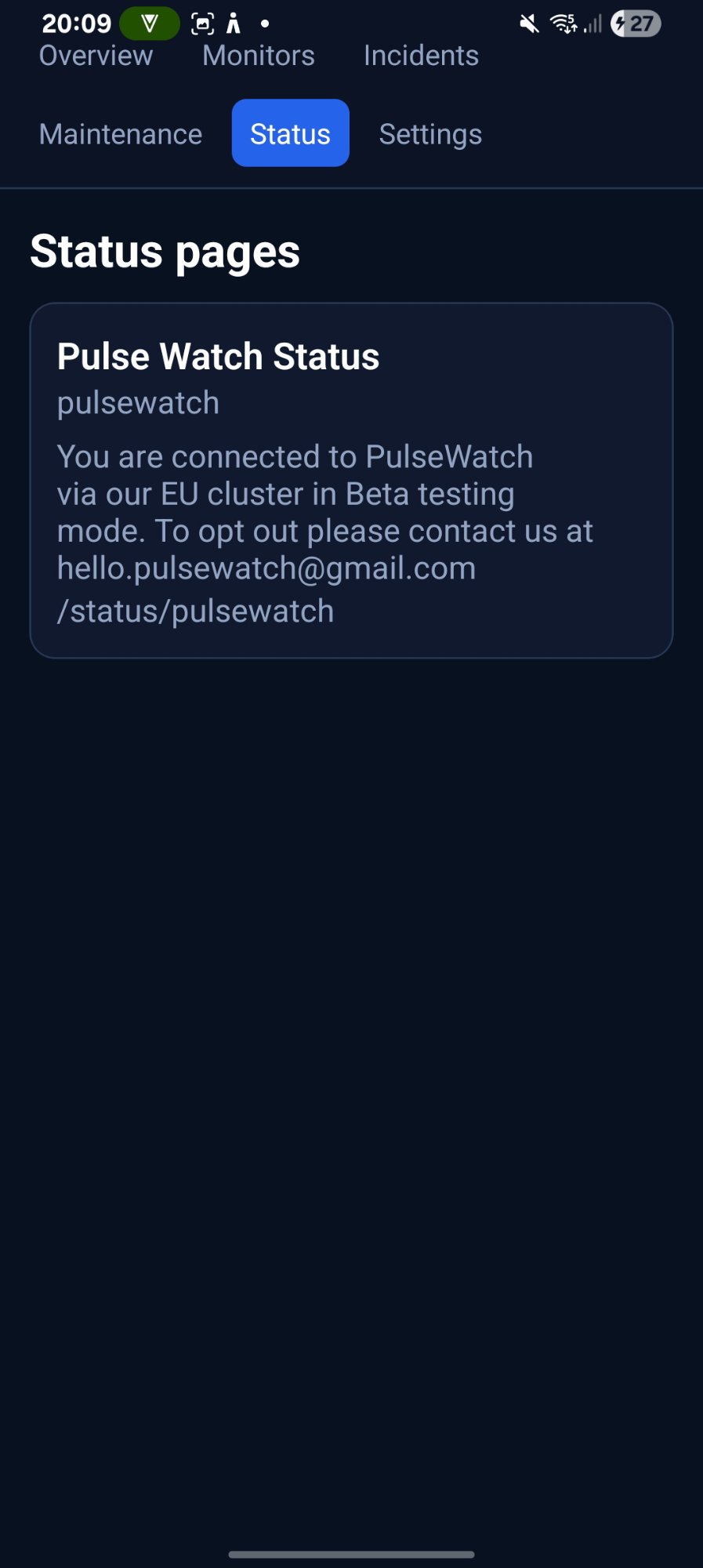
Inside the app.
// install
Two steps.
Install
Open the downloaded file. Allow installs from your browser if Android asks.